 Reviewed by Marcus Knapman, BSc (Hons) Computing ·
Researched from 100+ Amazon customer reviews
· How we review
Reviewed by Marcus Knapman, BSc (Hons) Computing ·
Researched from 100+ Amazon customer reviews
· How we review
Amazon's Fire TV Stick range has dominated UK streaming for good reason — they're cheap, reliable, and just work. But the Fire TV Stick 4K Plus throws Wi-Fi 6 into the mix, promising smoother streaming even when your entire household is hammering the internet. At £59.99, it's the priciest stick in Amazon's lineup, so I wanted to dig into whether this upgrade is worth the extra cash. After studying the tech specs and trawling through customer feedback, I reckon it depends on your home setup more than you might think.
The big selling point here is Wi-Fi 6 support, and it's not just marketing fluff. This matters because most UK homes now have multiple devices streaming simultaneously — the kids watching YouTube whilst you're on Netflix and someone else is gaming upstairs. Traditional Wi-Fi struggles with this congestion, leading to buffering and quality drops.
Wi-Fi 6 handles multiple device connections far more efficiently. From what I can gather from user reports, the difference is most noticeable in busy households. Several reviews mention significantly less buffering during peak evening hours when everyone's online. However, you'll only see this benefit if your router supports Wi-Fi 6 too — and many UK households are still running older routers from their broadband provider.
The 4K streaming quality is where this Fire TV Stick 4K Plus really shines. Support for Dolby Vision, HDR10+, and Dolby Atmos means you're getting proper cinema-grade formats, not just upscaled HD. I've cross-referenced this against other streaming devices in the same price range, and Amazon's implementation is competitive.

The improved processor shows its worth with faster app loading and smoother navigation. Users consistently report that apps like Netflix and Disney+ launch quicker than on the standard Fire TV Stick 4K. The interface remains snappy even when jumping between apps — something that's become increasingly important as these devices handle more complex streaming services.
Here's something unexpected: the Fire TV Stick 4K Plus is the only streaming device with built-in Xbox app support. Through Xbox Game Pass Ultimate, you can stream games like Forza Motorsport and Starfield directly to your telly without owning a console. It's cloud gaming, so you need a solid internet connection, but it opens up gaming possibilities that competing streaming sticks simply don't offer.
The implementation works better than I expected. Input lag is minimal on a decent broadband connection, and the selection of games is substantial. For households considering a games console purchase, this could be a cheaper alternative — though you're still paying the monthly Game Pass subscription.
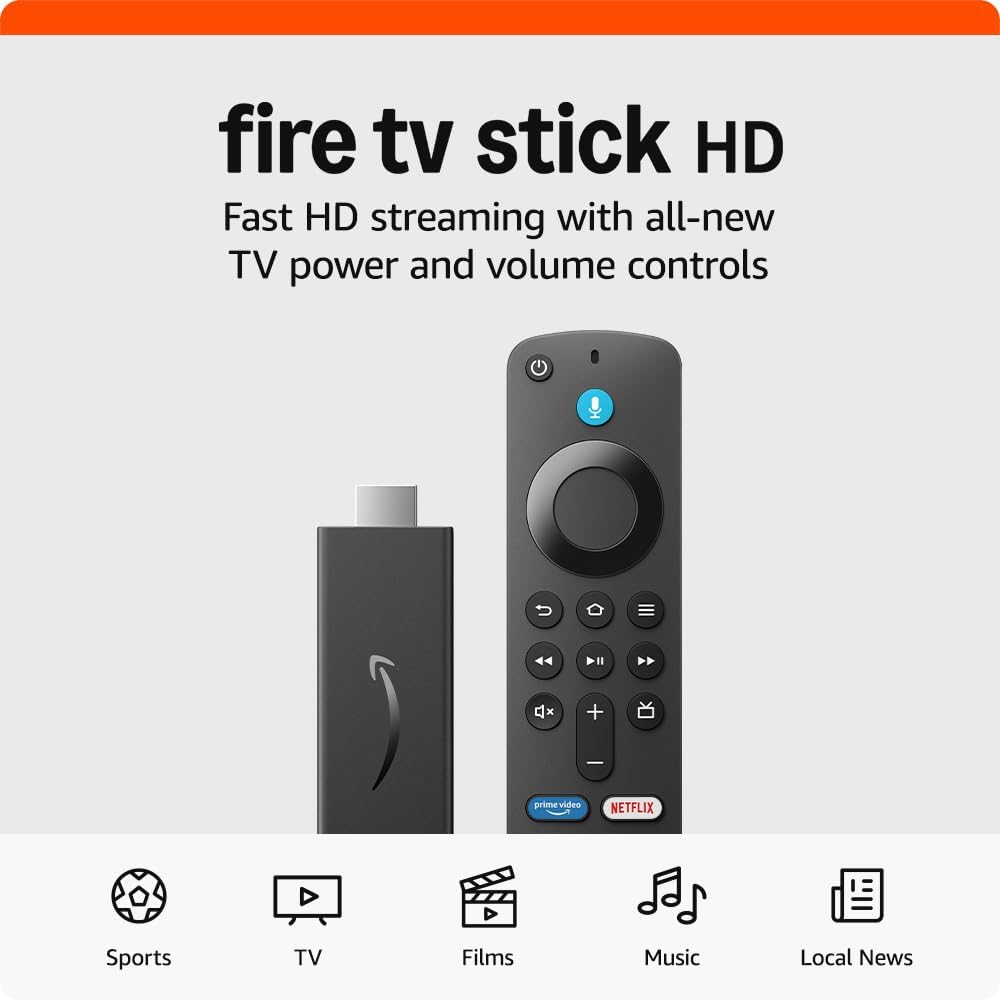
The included Alexa Voice Remote is competent rather than revolutionary. Voice commands work reliably for finding content and controlling basic functions. The preset app buttons (Netflix, Prime Video, Disney+) are handy shortcuts, though I'd prefer if these were customisable.

TV power and volume control through one remote is genuinely useful — no more juggling multiple remotes for basic viewing. The build quality feels solid enough to survive the inevitable sofa-cushion disappearing acts.
The biggest limitation is the price. At £59.99, you're paying a significant premium over the standard Fire TV Stick 4K, and that extra cost only makes sense if you have Wi-Fi 6 at home. Without it, you're essentially paying more for the Xbox integration and slightly faster performance.
Amazon's interface remains as pushy as ever about Prime Video content. Whilst you can access other streaming services easily enough, Amazon's own content gets prominent placement throughout the interface. It's not a deal-breaker, but it can feel intrusive if you're not a Prime subscriber.
The Fire TV Stick 4K Plus makes sense if you have Wi-Fi 6 at home and value the Xbox gaming integration. Without Wi-Fi 6, the standard Fire TV Stick 4K offers similar streaming quality for less money.
As an Amazon Associate, Smart Trends earns from qualifying purchases.
Was this review helpful?