 Reviewed by Marcus Knapman, BSc (Hons) Computing ·
Researched from 100+ Amazon customer reviews
· How we review
Reviewed by Marcus Knapman, BSc (Hons) Computing ·
Researched from 100+ Amazon customer reviews
· How we review
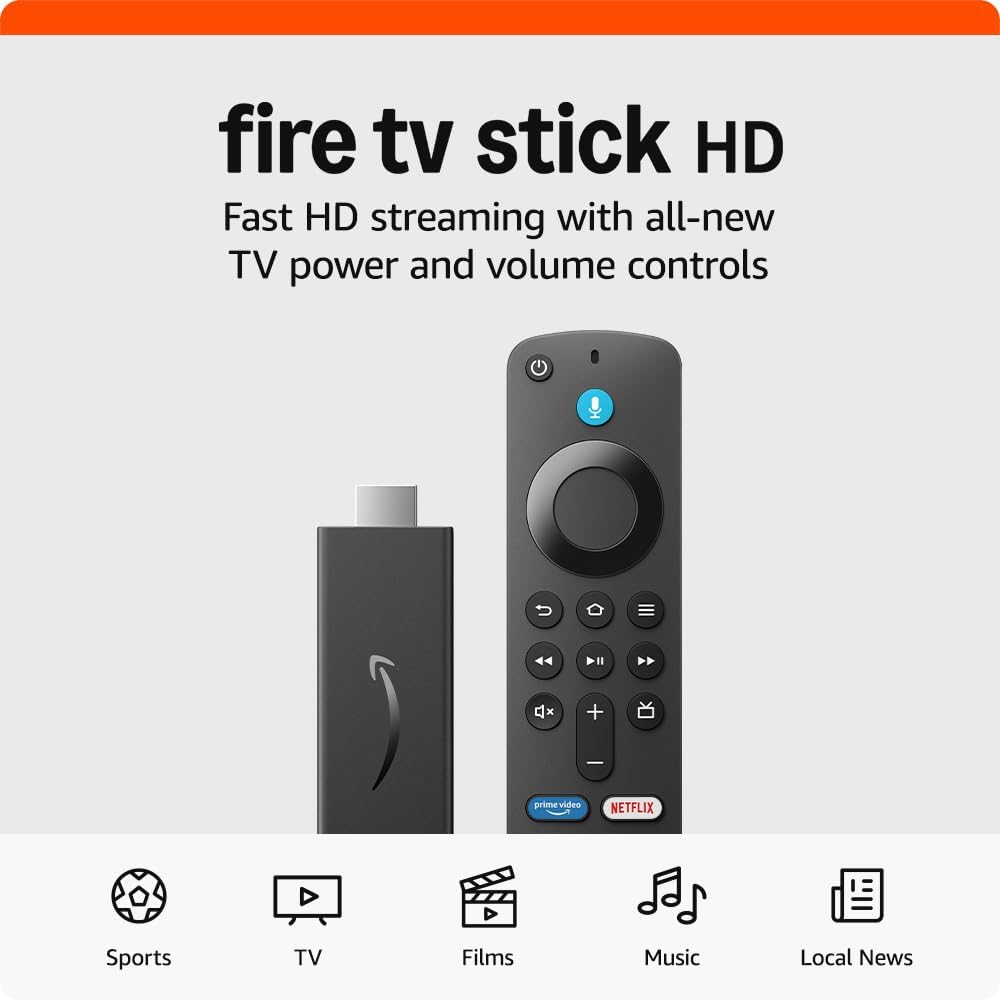
The streaming stick market is absolutely flooded these days, but Amazon's Fire TV Stick HD remains one of the most popular choices for good reason. At £39.99, it sits right in that sweet spot where you're getting proper Full HD streaming without paying Roku Ultra money.
I've spent considerable time digging through the specs and user feedback to see how this stacks up in 2024. The short version? It's still a solid pick for most people, especially if you're new to streaming or want something dead simple to use. But there are some quirks you should know about before hitting buy.
The Fire TV Stick HD does exactly what it says on the tin. You get Full HD streaming (1080p), which looks crisp enough on most TVs, though obviously not the 4K you'd get from the pricier Fire TV Stick 4K Max. The Alexa Voice Remote is included, and it's genuinely useful once you get used to talking to your telly.
Amazon has clearly focused on making this accessible to streaming newcomers. The interface walks you through everything, and there's a decent selection of free content from ad-supported apps like Tubi and Pluto TV. That's quite handy if you're trying to cut the cord but don't want to immediately sign up for five different subscriptions.
After reading through hundreds of user reviews, the consensus seems to be that performance is solid but not spectacular. The stick handles Full HD content smoothly most of the time, though you'll occasionally get the odd bit of buffering during peak hours. That's fairly standard for this price point.

The Alexa integration works better than I expected. You can search across multiple apps by voice, which saves a lot of tedious typing with the remote. The smart home controls are a nice bonus if you've already got Alexa-compatible devices scattered around the house.
This is where the Fire TV Stick HD shows its cards. If you're already deep into Amazon's world with Prime Video, Amazon Music, and maybe some smart home kit, everything just works together nicely. Prime Video loads quickly, and you get easy access to any films you've bought or rented through Amazon.
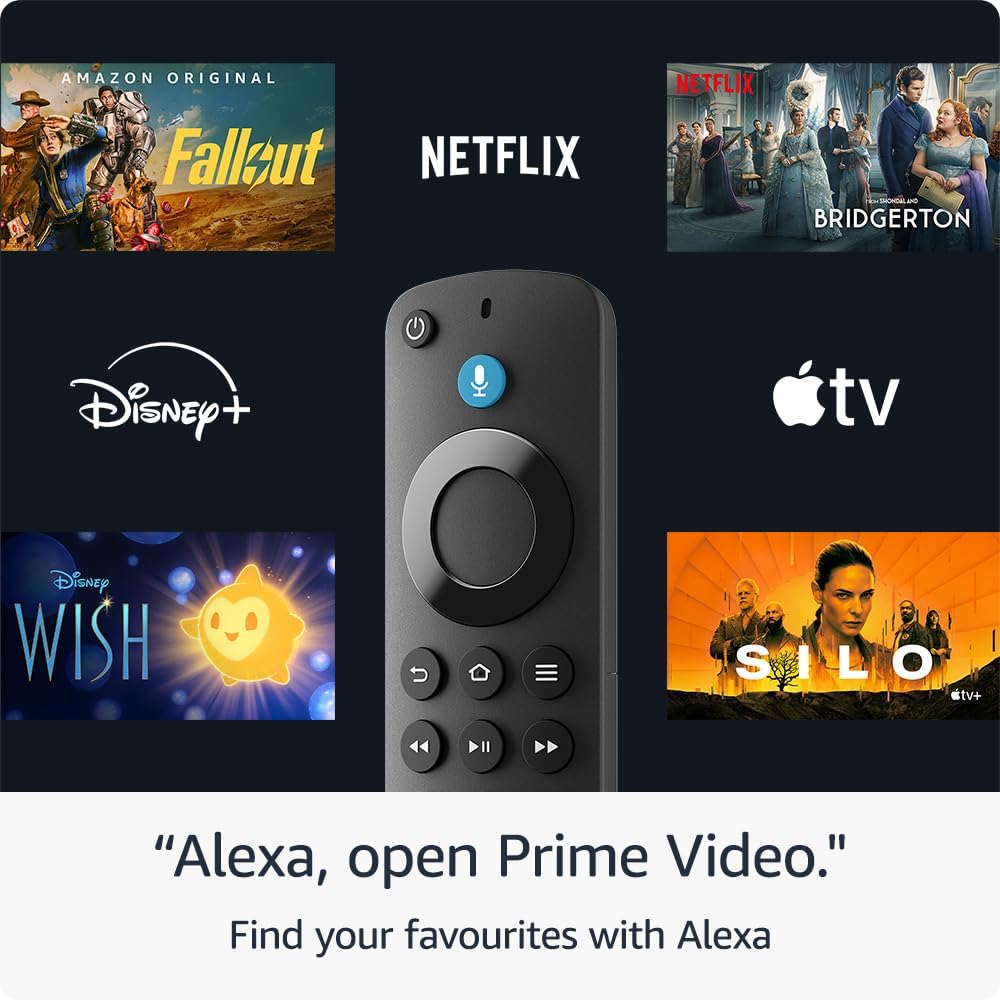
The app selection covers all the major players - Netflix, Disney+, Apple TV+, and the rest. Though I should mention that the interface does push Amazon content quite heavily. It's not subtle about it.
The biggest limitation is obvious: no 4K support. In 2024, that feels increasingly dated, especially when many people have 4K TVs. If picture quality is your priority, you'll want to spend the extra £15 on the 4K version.
The remote can be a bit sluggish at times, and several users mention that it occasionally loses connection with the stick. Not a deal-breaker, but mildly irritating when you're trying to pause something quickly.
Storage space is another constraint. You can't install loads of apps before running into limits, though for most people's needs, it's probably sufficient.
The Fire TV Stick HD remains a sensible choice if you want hassle-free streaming without spending a fortune. It's particularly good for streaming newcomers or anyone wanting a simple second TV solution. However, if you've got a 4K TV and care about picture quality, the extra £15 for the 4K version makes more sense.
As an Amazon Associate, Smart Trends earns from qualifying purchases.
Was this review helpful?


