 Reviewed by Marcus Knapman, BSc (Hons) Computing ·
Researched from 100+ Amazon customer reviews
· How we review
Reviewed by Marcus Knapman, BSc (Hons) Computing ·
Researched from 100+ Amazon customer reviews
· How we review
Is there a more predictable laptop recommendation than the MacBook Air? Probably not. Ask a hundred people what they'd buy for general use and a good chunk will say the same thing without even looking up from their phones. The question with the Apple MacBook Air 13-inch M5 isn't whether it's good. It's whether it's good enough to justify £1,249.37 when the previous generation is almost certainly cheaper.
Having gone through the spec sheet and what owners of this range tend to say, my view is this: it's an excellent laptop that asks you to pay slightly more than it strictly needs to. The headline change is the M5 chip, and the more useful change is that 16GB of memory and a 512GB SSD now sit at the starting point. Those were upgrades you used to pay extra for, and they make the base machine far more convincing.
It's fast, light, quiet and runs for up to 18 hours on a charge, according to Apple. There's no Amazon star rating to lean on yet, so I'm judging it on the hardware and Apple's long track record with this design. Here's where it shines, and where I'd think twice.
For years the cheap MacBook Air was a trap. You'd see an attractive headline price, then discover that 8GB of memory and a small SSD would leave you frustrated within a couple of years. This version removes that problem. With 16GB of unified memory and 512GB of storage as standard, you can open a silly number of browser tabs, keep a few apps running and edit a few photos without the machine gasping for air.
That matters because you can't upgrade either later. Apple solders the memory to the chip, so what you buy is what you're stuck with. Starting at 16GB feels like Apple finally admitting what everyone has been saying for ages.
The M5 here has a 10-core CPU and an 8-core GPU, plus a Neural Engine and what Apple calls Neural Accelerators in the graphics cores. In plain English, it's built to chew through AI-assisted tasks locally rather than shipping everything off to a server. Whether that's life-changing depends on how much you'll use Apple Intelligence, which handles writing help and similar jobs.

For ordinary work (documents, email, video calls, web browsing, light photo editing) you won't notice a difference from older chips, because those tasks were already instant. The extra grunt shows up in heavier jobs like exporting video or running several demanding apps at once. If that isn't you, you're paying for headroom. Headroom is nice, but it isn't essential.
Apple quotes up to 18 hours, and as with any manufacturer figure, treat it as a best case. Even if real-world use lands well below that, a full working day without hunting for a socket looks entirely realistic based on how this design has behaved before. The MagSafe charging port is a welcome sight too. It frees up both Thunderbolt 4 ports and means a tripped-over cable pulls out rather than dragging your laptop off the desk.
Speaking of ports, two Thunderbolt 4 sockets and a headphone jack is the full list. It supports up to two external displays, which is useful for a home desk setup, but if you live on USB sticks and SD cards, budget for a hub. That's my main practical gripe, and it's an Apple tradition at this point.
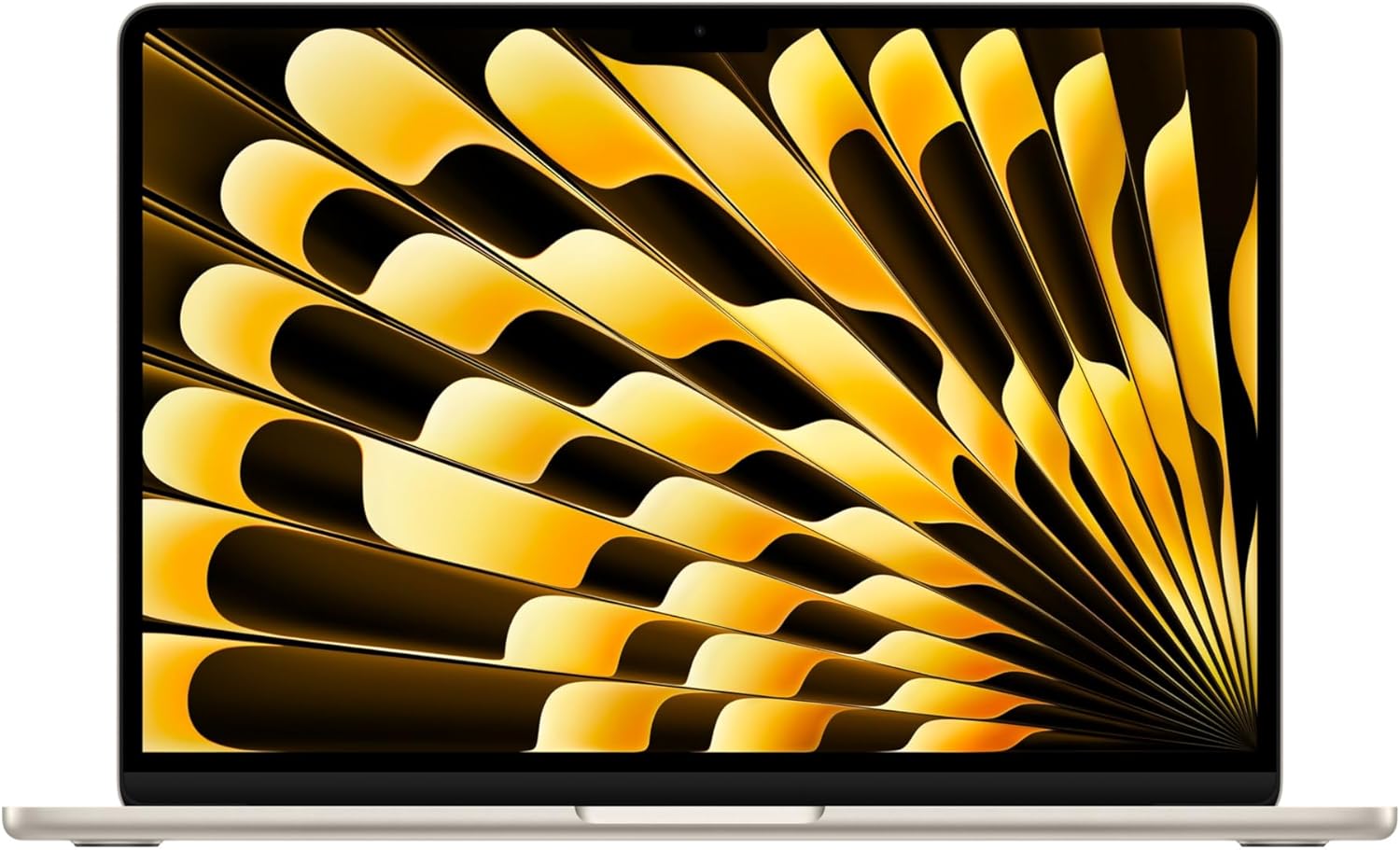
The 13.6-inch Liquid Retina display covers 1 billion colours, and text is sharp enough that reading long documents isn't tiring. It's a glossy panel, so if you work near a bright window or in a sunny garden, expect to fight reflections. Apple's displays are strong, but physics still applies.

The 12MP Centre Stage camera is a nice upgrade for anyone stuck on endless video calls. It keeps you framed as you move, and Desk View lets you show your workspace from above, handy for sketches or showing off a bit of kit. Add a three-mic array and four speakers with Spatial Audio and Dolby Atmos support, and this is a laptop that sounds and looks decent in meetings without needing a separate webcam and headset.
The Apple N1 chip brings Wi-Fi 7 and Bluetooth 6. Unless your router is also Wi-Fi 7, you won't see the benefit today, but it means the laptop won't feel dated in a few years' time. Touch ID is there for quick logins and payments, and I'd rather use that than type a password twenty times a day.
macOS comes with built-in virus protection and free software updates, which is a quiet bonus. You're not paying a yearly subscription for security software, and Apple has a reputation for supporting its laptops for a long time.
At £1,249.37, this is not cheap. For that money you could buy a very capable Windows laptop with more ports and a touchscreen, and some with a better graphics card for gaming. The MacBook Air isn't trying to win a spec sheet war. It wins on polish, battery life, silence (it's fanless, so there's nothing to whirr) and the way the hardware and software work together.
If you want a laptop you buy once and forget about for four or five years, the price is easier to swallow. If you're after the best performance per pound, there are rivals that will stretch your budget further. The Starlight colour looks lovely, though I'd budget for a case, as light finishes show scuffs.
If you want a quiet, light, long-lasting laptop that will stay quick for years, the Apple MacBook Air 13-inch M5 is an easy recommendation, and the 16GB starting point finally makes the base model feel right. If you're on a tighter budget, need lots of ports, or don't care about the ecosystem, you can spend less elsewhere without much regret.
As an Amazon Associate, Smart Trends earns from qualifying purchases.
Was this review helpful?


